Questions before you create
Flow AI Image Generator FAQ
Answers about free AI image generation, accounts, text to image, image to image, output settings, and commercial use.
Is Flow AI Image Generator free?
+
Yes. Select Nano Banana 2 Free in Flow AI Image Generator to create images without paying or spending credits, within the daily allowance. Other models use credits, and some models or higher resolutions require paid access. The composer shows the credit cost before you submit.
Can I try Flow AI Image Generator without signing up?
+
Yes. With Nano Banana 2 Free, you can generate, preview, and download images without signing up or logging in. Sign in to save eligible results to your account or use credit-based models. Signing in does not reset your daily free allowance.
Can I download images from Flow AI Image Generator without a watermark?
+
Yes. Images generated with Nano Banana 2 Free can be downloaded without a watermark, including when you use Flow AI Image Generator without an account. Watermark-free downloads from this free model do not require credits or a paid subscription.
What do I need to create an image?
+
Start with a prompt describing your subject, style, lighting, and composition. For image to image, add reference images on a compatible model. To generate for free, select Nano Banana 2 Free, choose an available aspect ratio, and submit your request. Keep the page open while it waits and processes, then preview and download your image. Other models offer different settings and credit costs.
Does it support both text to image and image to image?
+
Yes. Use Flow AI text to image to start from a written prompt, or Flow AI image to image to guide a new image with reference photos. References can help direct a character, product, composition, or visual style, but do not guarantee an exact copy. Supported reference counts vary by model. JPG, PNG, and WebP uploads are supported, with a 10 MB file limit for Nano Banana 2 Free and a 20 MB limit for credit-based image uploads.
What resolution and aspect ratio does it support?
+
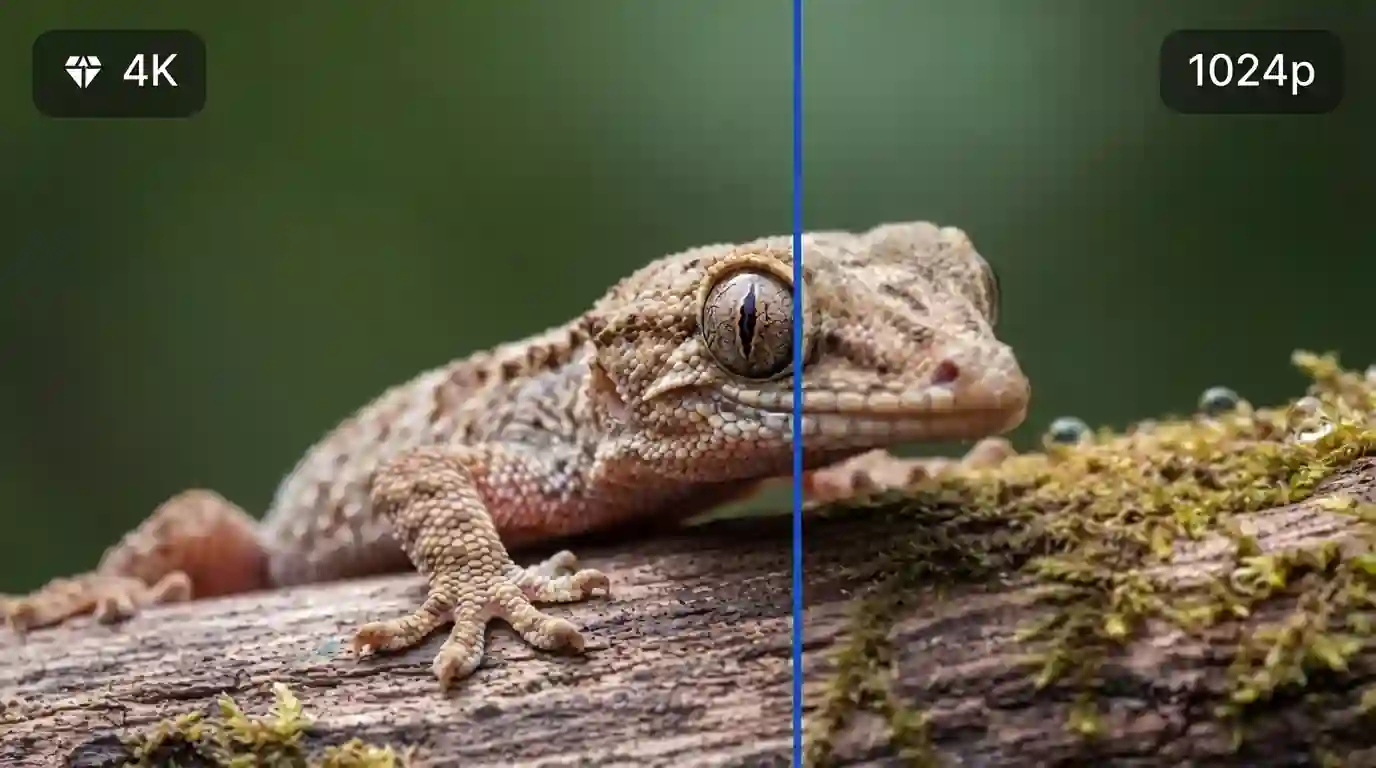
Nano Banana 2 Free generates 1K images in 1:1, 16:9, 9:16, 3:4, or 4:3 formats. Other models offer different combinations. Supported models such as Nano Banana 2 provide 1K, 2K, and up to 4K output; higher resolutions may require paid access. Check the composer for compatible settings and any credit cost.
Can I generate multiple images at once?
+
Nano Banana 2 Free generates one image per request. Compatible credit-based models let you choose from one to four images per generation. The total credit cost updates with the quantity, model, and settings. After generation, compare the results and download the images you want to keep.
Can I turn images from Flow AI Image Generator into videos?
+
Yes. Download your generated image and upload it to Flow AI image to video. Choose a compatible video model, describe the subject movement or camera motion, and generate a clip. Video generation has its own supported settings and free allowance or credit cost.
How is Flow AI Image Generator different from Google Flow?
+
Flow AI at flowai.im and Google Flow are separate products. Flow AI uses its own accounts, credits, models and creation sessions; it does not provide a Google Flow account or transfer its credits. Flow AI is not affiliated with or endorsed by Google.
Can I use the generated images commercially?
+
Paid-plan users may use their generated images commercially, subject to our Terms of Service, applicable law, and the selected model’s rules. Free users may use generated images for personal and other non-commercial purposes. Flow AI does not claim ownership of your generated images. Copyright protection and rights to third-party material are not guaranteed, so use inputs you have permission to use.
Flow AI is an independent service and is not affiliated with or endorsed by Google. Inspiration images are not represented as verified benchmarks for a particular model.